
New to Primeasy? Every product works from your store, so start with Create a store.
What Primeasy helps you do
EasyBloggers: A blogger management system with unique features designed to simplify and boost blogger team productivity.
EasySubscribers: The easiest web-based subscribers system on the grid.
EasySupport: An in-world customer support solution to help Second Life™ brands manage their customer support via a dedicated avatar.
EasyVendors: Coming soon: a vendor system that works with Primfeed, the social media for Second Life™, and with the other Primeasy products.
EasyBloggers: manage your blogger team
EasyBloggers connects your store with your blogger team. Bloggers request your products from the web and receive them in-world. Each post is tracked from request to review, and your dashboard shows what needs your attention.
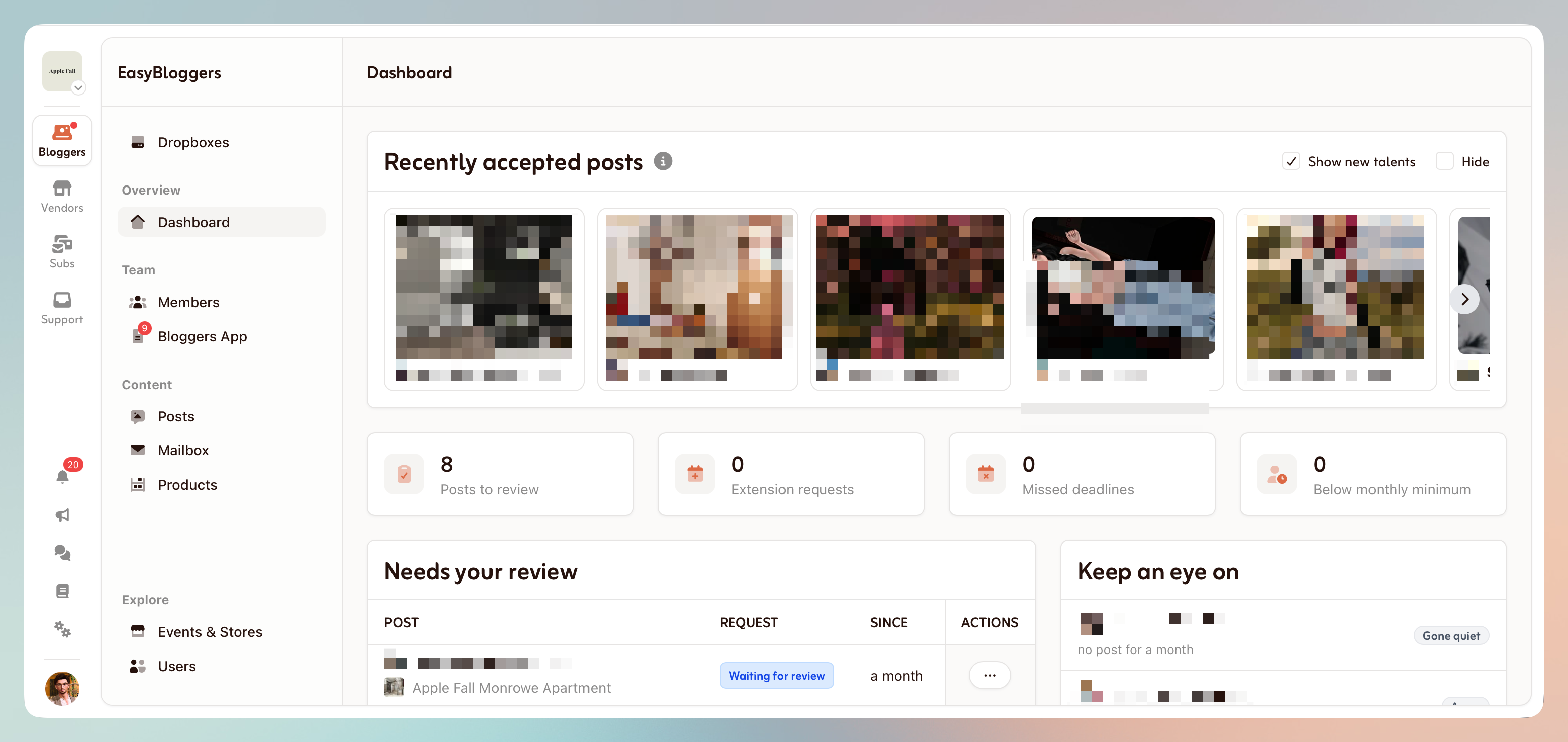
Once your store and dropbox are ready, Create your first product.
EasySubscribers: send newsletters to your customers
Build your subscriber list and send newsletters from the web. Import your existing list from a .csv file, add avatars manually, or let customers subscribe from a kiosk at your store or from your store page on Primfeed.
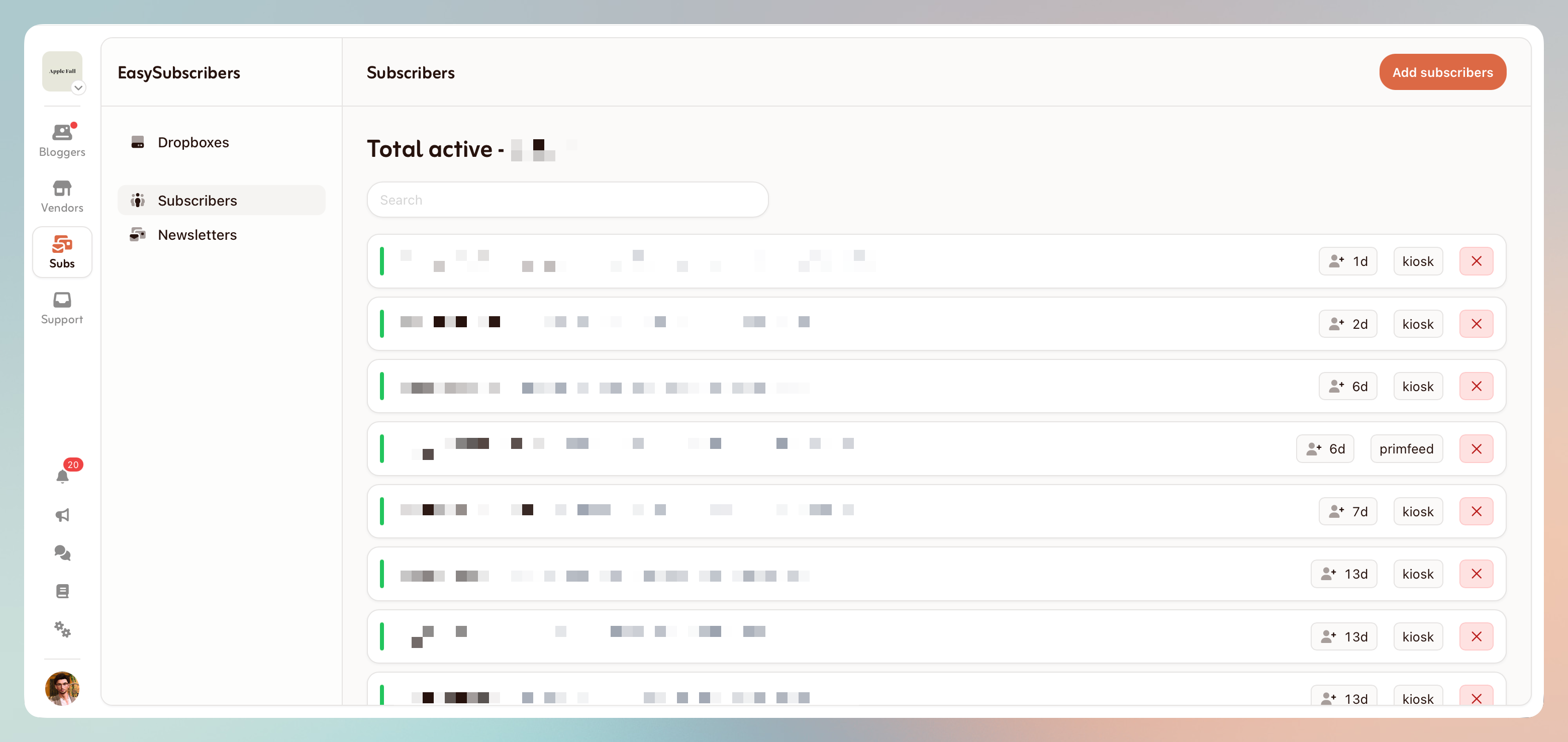
To set up your list, follow the EasySubscribers Getting Started guide.
EasySupport: answer in-world support from the web
Your customers IM or send notecards to one support avatar, run by your SmartBots bot. You and your managers answer from the web interface, without having to be online in Second Life™. For your customers, nothing changes: they simply message an avatar.
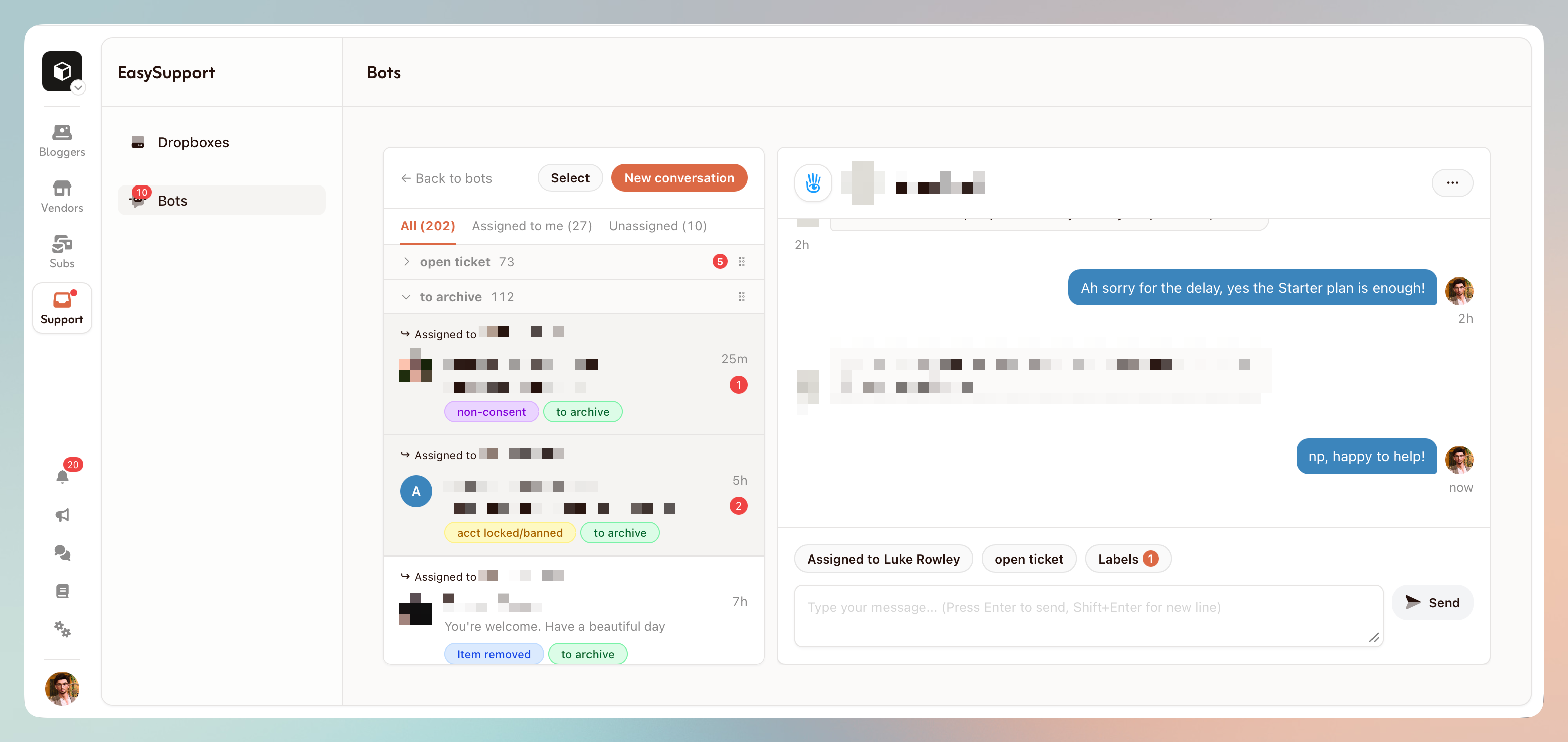
Because the bot is always online, no request is lost to the offline IM cap. Each conversation can be assigned to a manager and tagged with labels, so your team always knows who handles what.
EasySupport needs a SmartBots account and bot. To set it up, follow the EasySupport Getting Started guide.